Seller Help Center
Mzansi Marketplace Seller Help Center



Product Listing
Create and manage your products listings to attract buyers, ensuring compliance with the Consumer Protection Act (CPA).
Add Products
In the Listings section, create compelling products listings by following these steps. Ensure accuracy to comply with the Consumer Protection Act (CPA).
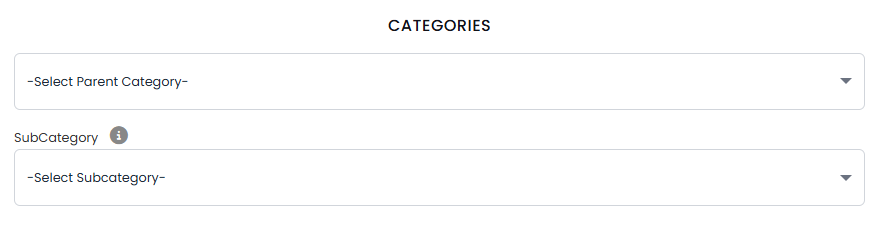
Choose a parent category (e.g., Electronics) and a subcategory (e.g., Smartphones) to help buyers find your products.
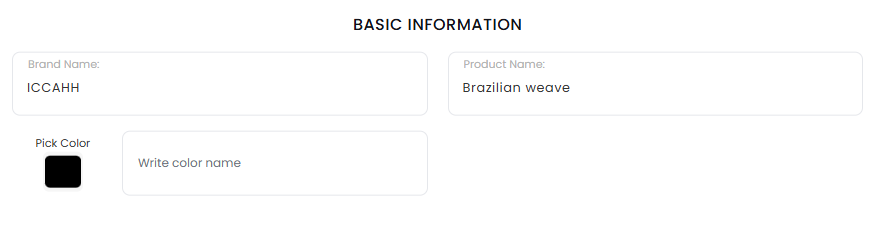
Enter the products name, brand, and a detailed description. Include key features to attract buyers.
Set a competitive price and specify available stock. Enable low-stock alerts to avoid overselling.

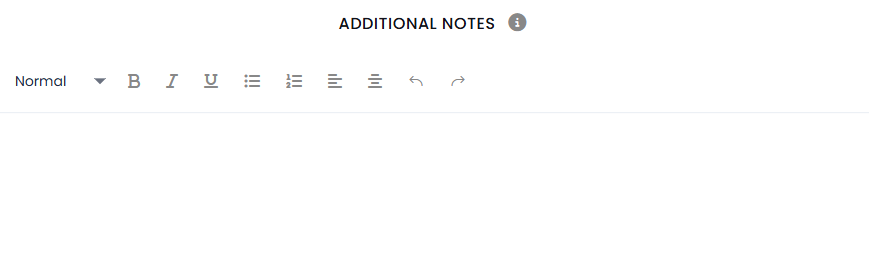
Add optional notes, such as warranty details, shipping info, or return policies, to inform buyers.
Choose whether the products is active (visible to buyers) or inactive (hidden from your storefront).

Offer a discount by setting a reduced price or percentage off to boost sales, optional for all listings.

Specify if the products is new, used, or refurbished. Accurate condition details prevent disputes.

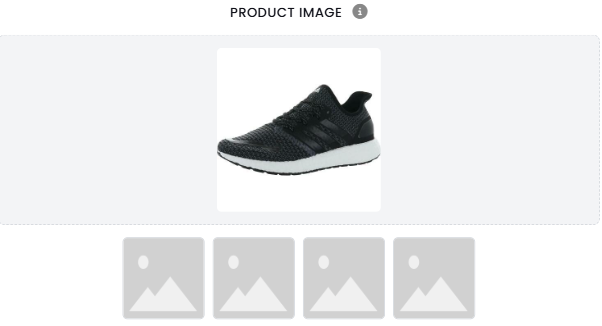
Upload high-quality images (up to 5) showcasing the products from multiple angles. Images are key to buyer trust.
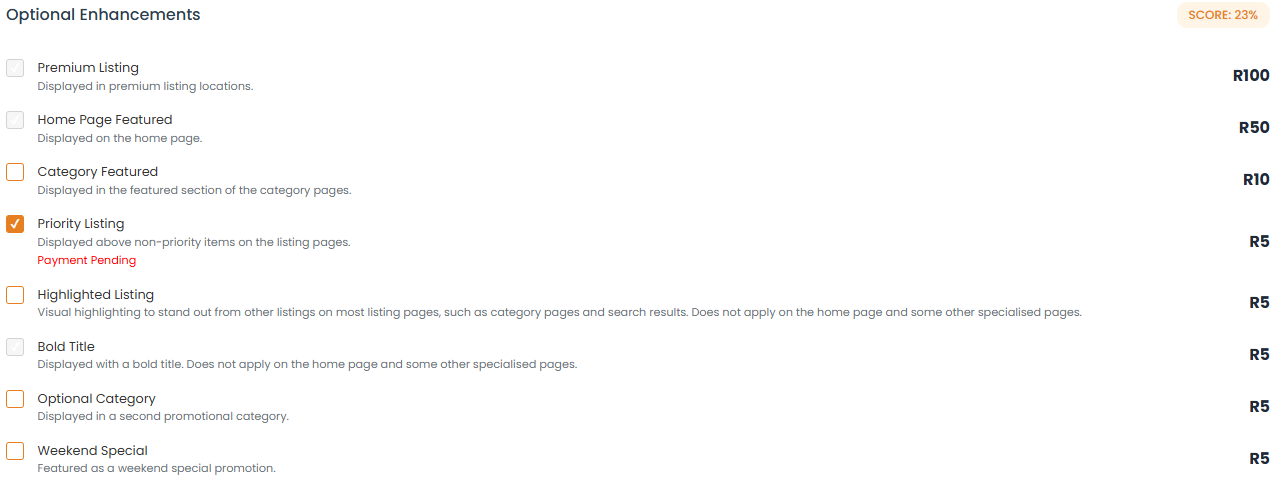
Use Pro plan features like promoted listings or bulk uploads to increase visibility and streamline management.
Edit Listings
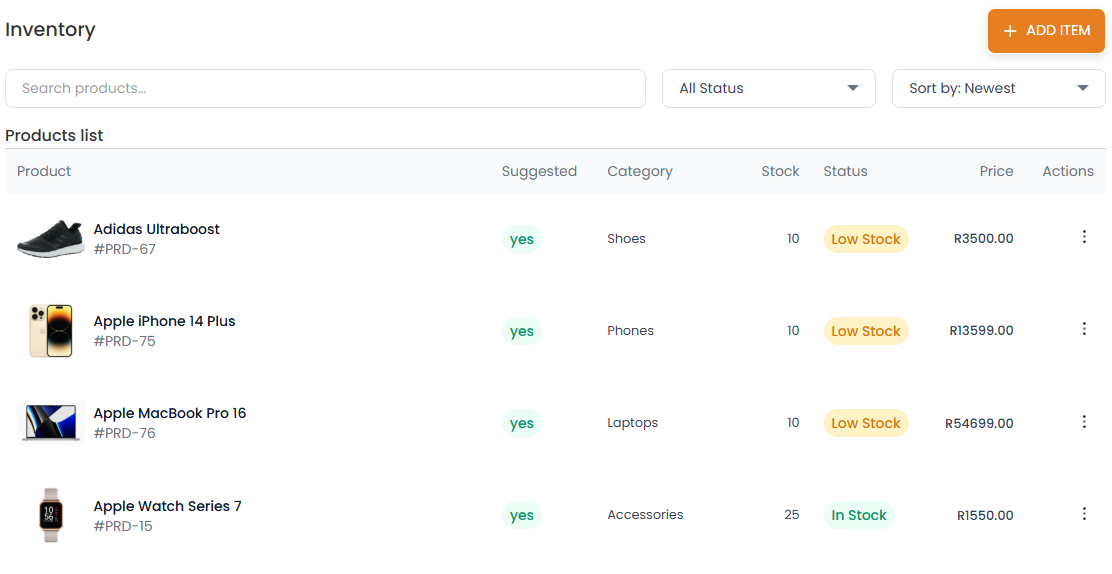
Update prices, descriptions, or images anytime via the Listings section to keep your catalog fresh.
FAQs
How do I add a products?
Why was my listing rejected?
Contact Support
Email Support
Email support@mzansimarketplace.co.za. Response within 24 hours.
WhatsApp Support
Chat on +27 67 188 8429 (9 AM–5 PM SAST).
Submit a Ticket
Create a support ticket via the Seller Panel for priority assistance. Track responses in your Dashboard.